Quick Answer:
MTTR measures how long incidents take to repair, recover, respond to, or resolve, depending on the definition a team uses. This guide explains the differences between MTTR, MTTA, MTTD, and DORA metrics, why averages can misrepresent incident performance, and how tracking diagnosis time separately can help engineering teams identify root causes faster. It also explores how HyperProbe helps engineers capture production state without redeploying code.
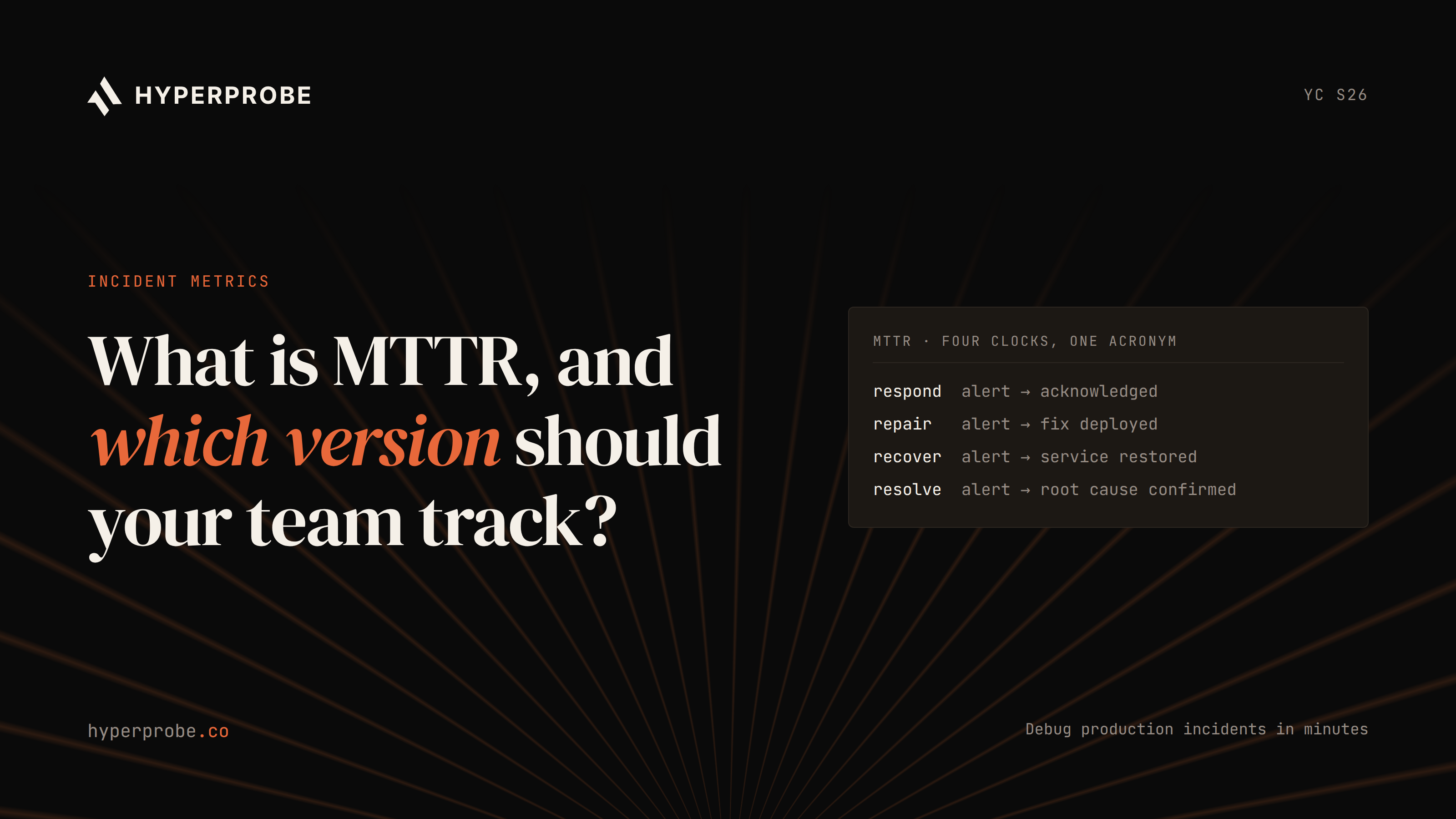
Ask what MTTR means in incident management and you will get a confident answer, and then a different confident answer from the next team over. MTTR is the average time an incident takes from a defined start event to a defined end event. The catch is in the R, which can stand for repair, recovery, respond, or resolve, and each one starts and stops the clock in a different place.
A platform team reports a 40-minute MTTR, a product team reports four hours, and leadership assumes one of them is doing something wrong, when they are measuring different spans. This guide covers what each version means, how MTTR relates to MTTA, MTTD and the DORA metrics, why the mean itself can mislead you, and which version your team should commit to. It closes with the one segment inside MTTR that deserves its own number.
What MTTR means in incident management
In incident management, MTTR is the mean duration of incidents over a period, calculated by adding up the time each incident took and dividing by the number of incidents. The generic formula is MTTR = total incident time ÷ number of incidents. A team with ten incidents that consumed 600 minutes between them has an MTTR of 60 minutes.
The acronym came out of hardware reliability engineering, where it meant mean time to repair and described how long a technician needed to fix a failed component. As software teams adopted it, the R drifted. Recovery and restore described getting a service back in front of users, respond described the on-call reaction, and resolve described fixing the underlying cause. Atlassian's guide to incident metrics lists all four readings and advises that whenever someone references MTTR, the first job is to clarify which one they mean. AWS notes that organizations vary on where they place the start and end boundaries, so the number is only useful in a team that has agreed on them.
The four versions of MTTR
The versions differ by where the clock starts and where it stops.
| Version |
Clock starts |
Clock stops |
| Mean time to repair |
Repair work begins |
System fully functional |
| Mean time to recovery |
Failure occurs |
Service fully restored |
| Mean time to respond |
Alert fires |
System fully functional (same end as repair) |
| Mean time to resolve |
Incident begins |
Underlying cause fixed |
Mean time to repair
Repair measures the active fix window. The clock starts when an engineer begins working on the fault and stops when the system is functional again, including any testing. Detection delay and triage lag are excluded, which makes repair a clean measure of engineering efficiency but a poor measure of what users experienced. A fault that sat undetected for two hours and took ten minutes to fix scores well here.
Mean time to recovery
Recovery, sometimes written as restore, runs from the moment of failure to full restoration of service. This is the reading closest to user-facing downtime, and it is the one ClickHouse's engineering guide describes as the most common software interpretation. It absorbs everything in between, including detection, paging, diagnosis and the fix itself.
Mean time to respond
Respond starts when the alert fires and stops when the system is functional. It shares an end point with repair and differs on the start, since it includes triage and paging but leaves out monitoring lag, so it isolates how quickly the on-call rotation reacts once the system knows something is wrong. PagerDuty's definition frames it as acknowledgment and action from the trigger onward.
Mean time to resolve
Resolve runs the longest. The clock starts at the incident and stops only when the underlying cause is fixed, including preventive work to stop a recurrence. Users may have recovered hours or days before this clock stops, which is why it tracks postmortem follow-through rather than downtime.
How MTTR relates to MTTA and MTTD
Lay the recovery version of MTTR along a timeline and the other acronyms fall into place as segments of it. MTTD, mean time to detect, covers the gap from the start of the incident to the moment monitoring catches it. MTTA, mean time to acknowledge, covers the gap from alert to a human picking it up. After that comes diagnosis, then the fix, and the full span from failure to restoration is recovery.
MTTR (recovery) = total downtime across incidents ÷ number of incidents
MTTD            = total detection delay ÷ number of incidents
MTTA            = total alert-to-acknowledge time ÷ number of incidents
MTBF            = total operating time ÷ number of failures
MTBF, mean time between failures, measures the operating time between one incident ending and the next beginning, so it describes how often a system breaks. MTTF, mean time to failure, applies to components that get replaced and rarely matters for a software service. The ClickHouse guide recommends tracking MTTD, MTTA and MTTR together, since recovery only improves when detection, acknowledgment and diagnosis each get faster.
What DORA did with MTTR
For years the DORA research program listed "time to restore service" as one of its four key metrics, and many teams reported it as MTTR. In 2023, DORA renamed it to failed deployment recovery time and narrowed the scope to recovery after a change to production that results in degraded service. The reasoning, recorded in the public issue tracking the change, was that the research measures delivery performance, and a hardware or third-party outage says little about your deployments.
In 2024 DORA added a fifth metric, deployment rework rate, and regrouped the set into throughput and instability. The consequence for your team is that the "MTTR" in a DORA report and the MTTR in your incident tool count different populations of incidents, and swapping one for the other skews the number by however many incidents trace back to a deploy.
Why the mean can lie to you
Even after your team agrees on a version, the mean itself has a problem. Incident durations are positively skewed. A typical quarter contains many short incidents and a handful of very long ones, and the long tail drags the average around.
Štěpán Davidovič's Incident Metrics in SRE, published by Google, ran Monte Carlo simulations on real incident data to test this. In the scenario, a tool genuinely shortens every incident by 10%. For one simulated company, 38% of runs still showed MTTR flat or worse after the improvement. Run the opposite test, where nothing changes at all, and the same company saw a half-hour MTTR "improvement" in 19% of runs. Those figures come from one company's data, and the other two companies in the study showed the same pattern at different magnitudes. The report concludes that MTTR and its relatives are poorly suited to trend analysis or to judging whether a change worked.
Courtney Nash's work at Verica adds a second problem: incident start and end timestamps are subjective, set by whoever updated the ticket, so the raw data has low fidelity before any averaging happens. Her InfoQ talk describes the aggregated result as a gray blob that hides frequency, severity and context.
The fix is cheap. Plot the distribution of incident durations before you trust any summary of it, report the median and the 90th percentile alongside the mean, and segment by severity so a Sev-1 never averages against a Sev-4. Treat MTTR as a prompt for questions, not a scorecard.
Which version your team should track
The right version follows from the question you want answered. When the concern is whether the on-call rotation reacts quickly enough, track mean time to respond and pair it with MTTA, because together they show whether pages are reaching people and whether those people are acting. When the concern is customer-facing downtime and SLO burn, track mean time to recovery, since that is the span users actually feel. When the team reports DORA metrics, use failed deployment recovery time with DORA's definition and keep it separate from the general incident number. When the concern is whether postmortems produce lasting fixes, track mean time to resolve, which is the only version that keeps the clock running until the root cause is gone.
A few rules apply whichever you choose. Write the start and stop events down as concrete signals, such as "first alert in the paging tool" and "status page marked resolved", so two engineers closing the same incident produce the same timestamp. Segment by severity from the first day, and skip cross-company comparisons, which the ClickHouse guide calls unreliable because every organization draws its boundaries differently. Once the definition is set, look at where the time inside it goes, which is where tooling choices start to matter. Our guide to AI SRE tools covers the options for that layer.
Measure the diagnosis span separately
Whichever version you track, one segment inside it dominates. A Cisco Live 2025 survey of 319 IT professionals found that in large organizations more than 45% of respondents said finding the why and the where of an incident consumes 26% to 50% of total resolution time, and roughly a third said it consumes more than half. Older IBM problem-determination guidance, drawn from customer engagements, put the share spent isolating and diagnosing closer to 80%, and the survey suggests the gap has not closed much since.
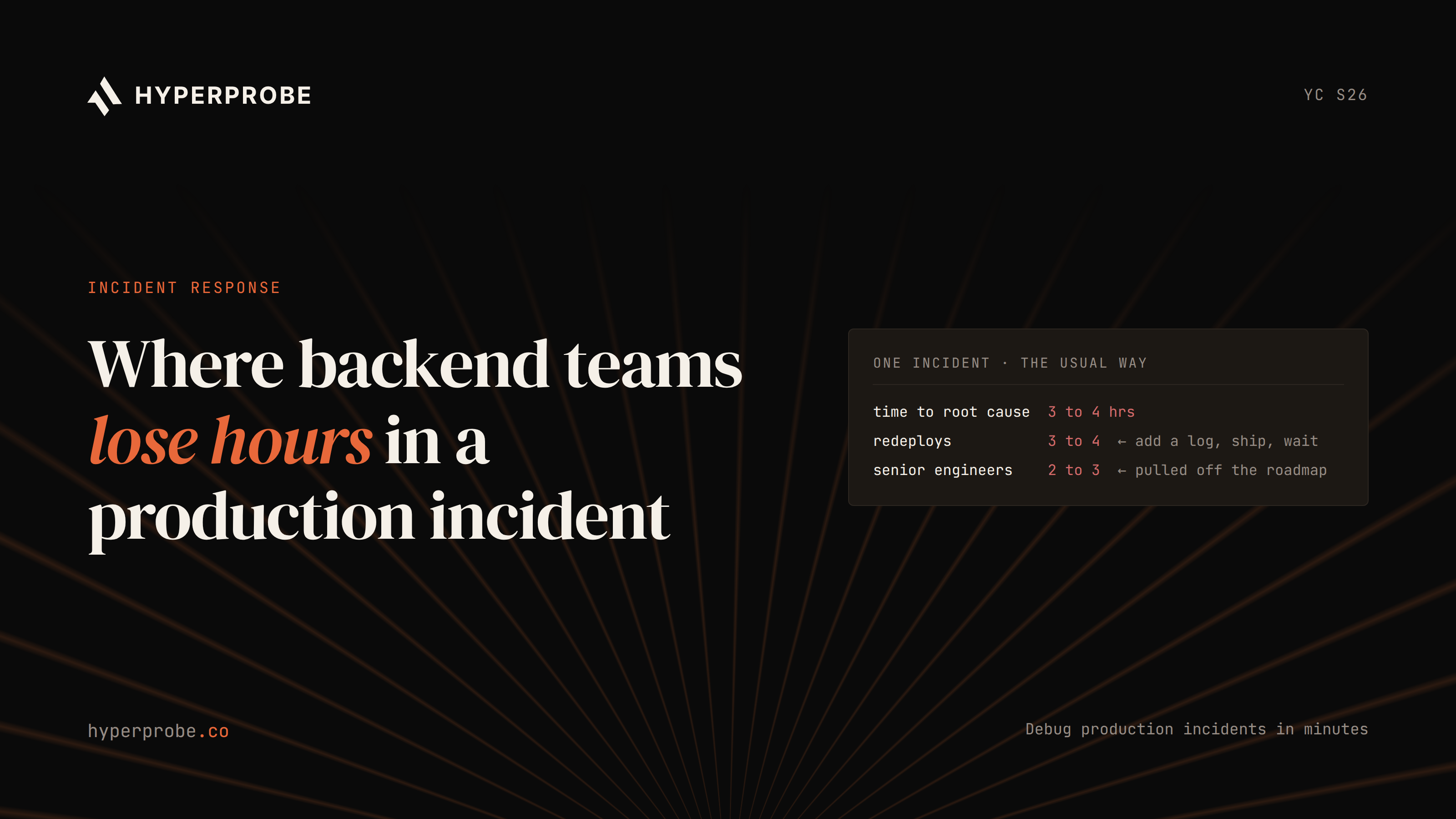
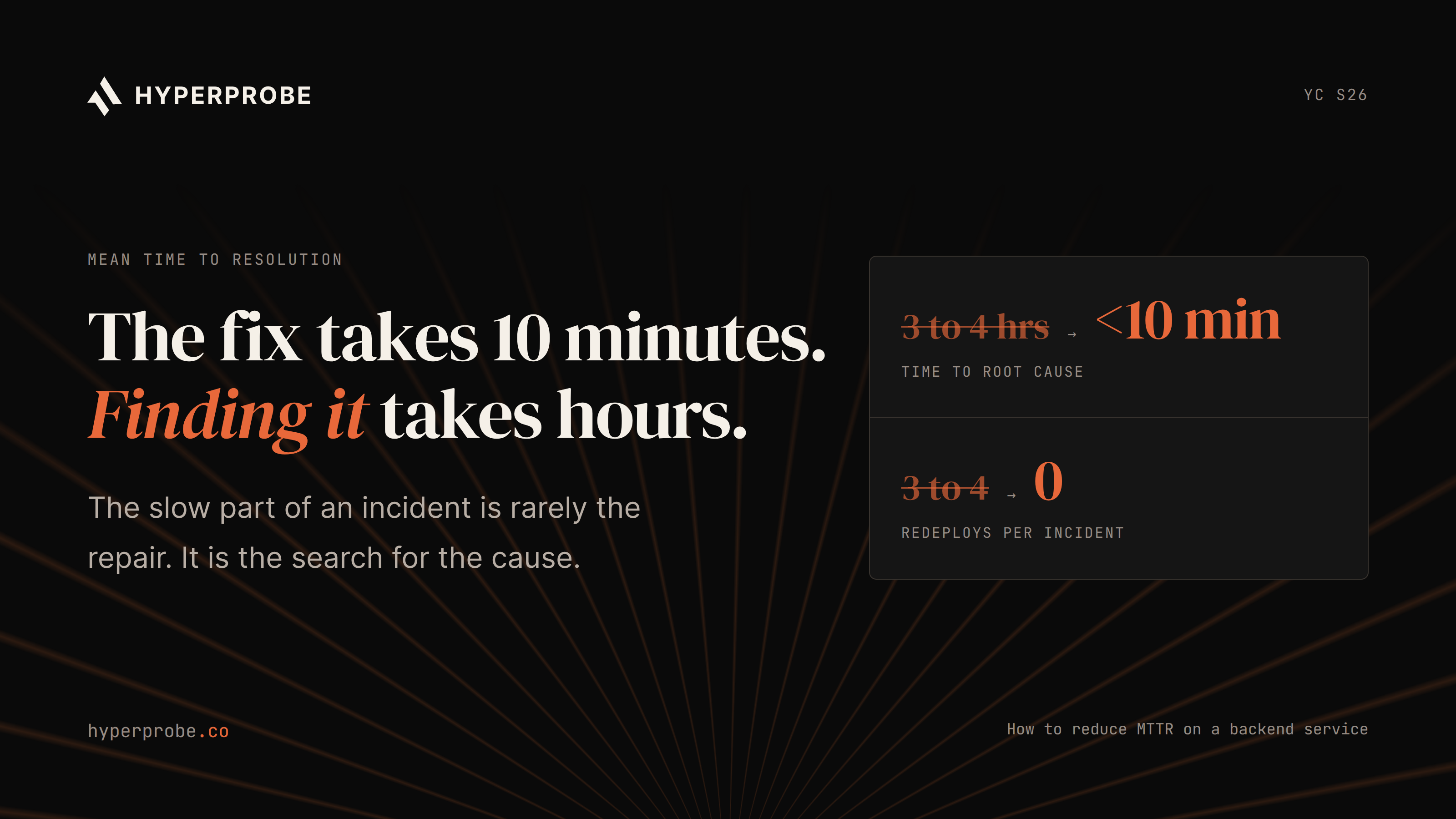
Paging is already measured in seconds and a rollback takes minutes, so diagnosis is the segment that still takes hours and the one your team can shrink. It stretches when the logs do not contain the variable you need and reproducing the bug means adding a log line, redeploying, and waiting for the failure to happen again.
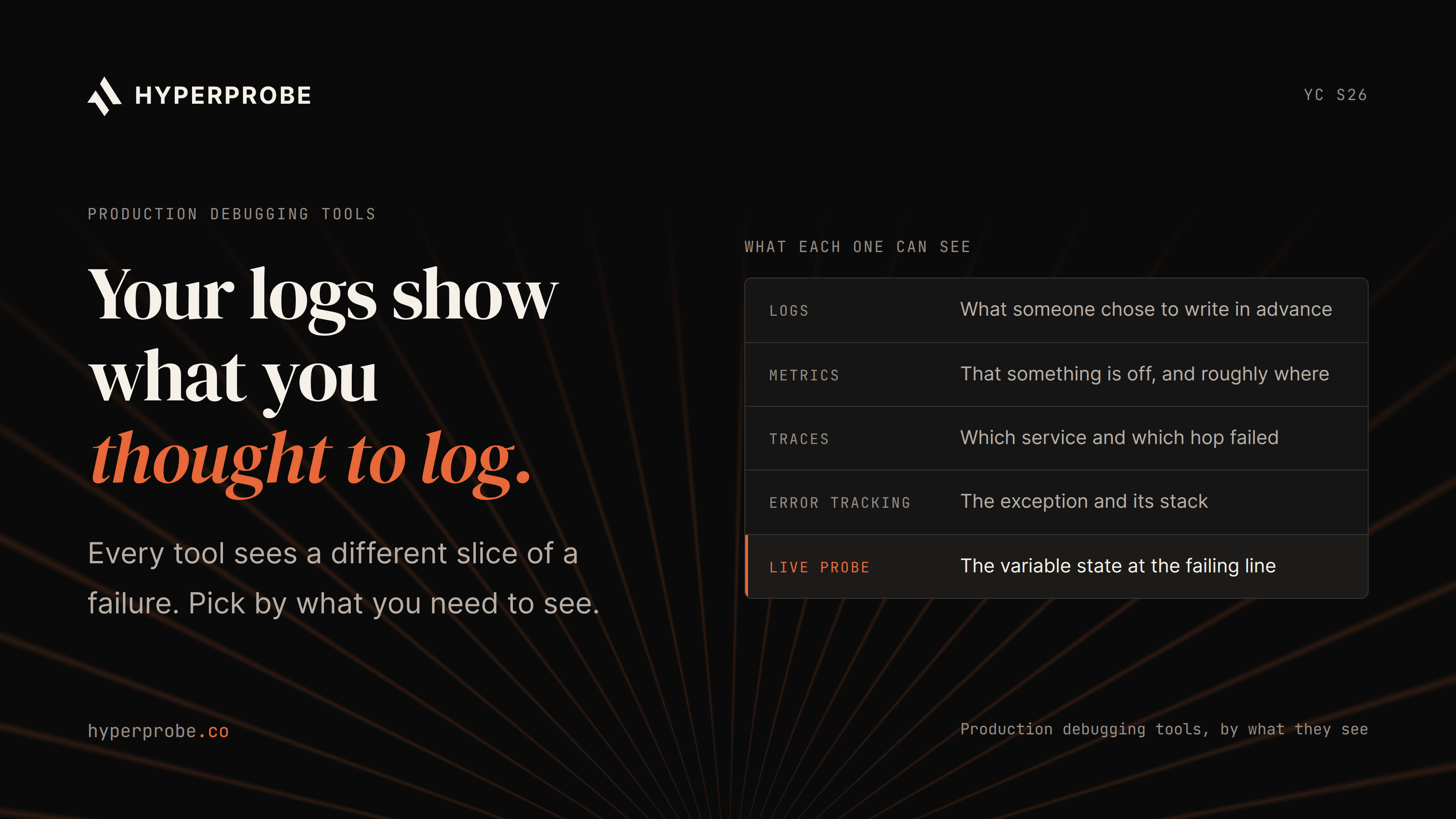
That gap is where HyperProbe fits. The SDK lets an engineer place a read-only probe on a running service and capture the local state at the moment a condition fires, without a redeploy, so the root cause gets confirmed against evidence instead of a hypothesis. It works alongside the observability stack you already run. Our comparison of production debugging tools breaks down what each category can see.
Where to start this week?
Pick one expansion of MTTR, define its start and stop events in writing, and segment it by severity. Then add a timestamp for "root cause confirmed" to your incident template and start tracking the diagnosis span on its own, because that is the number your engineers can move.
HyperProbe is free on one service with managed cloud hosting. Install the SDK before the next page arrives and compare the diagnosis time on that incident against your last five.