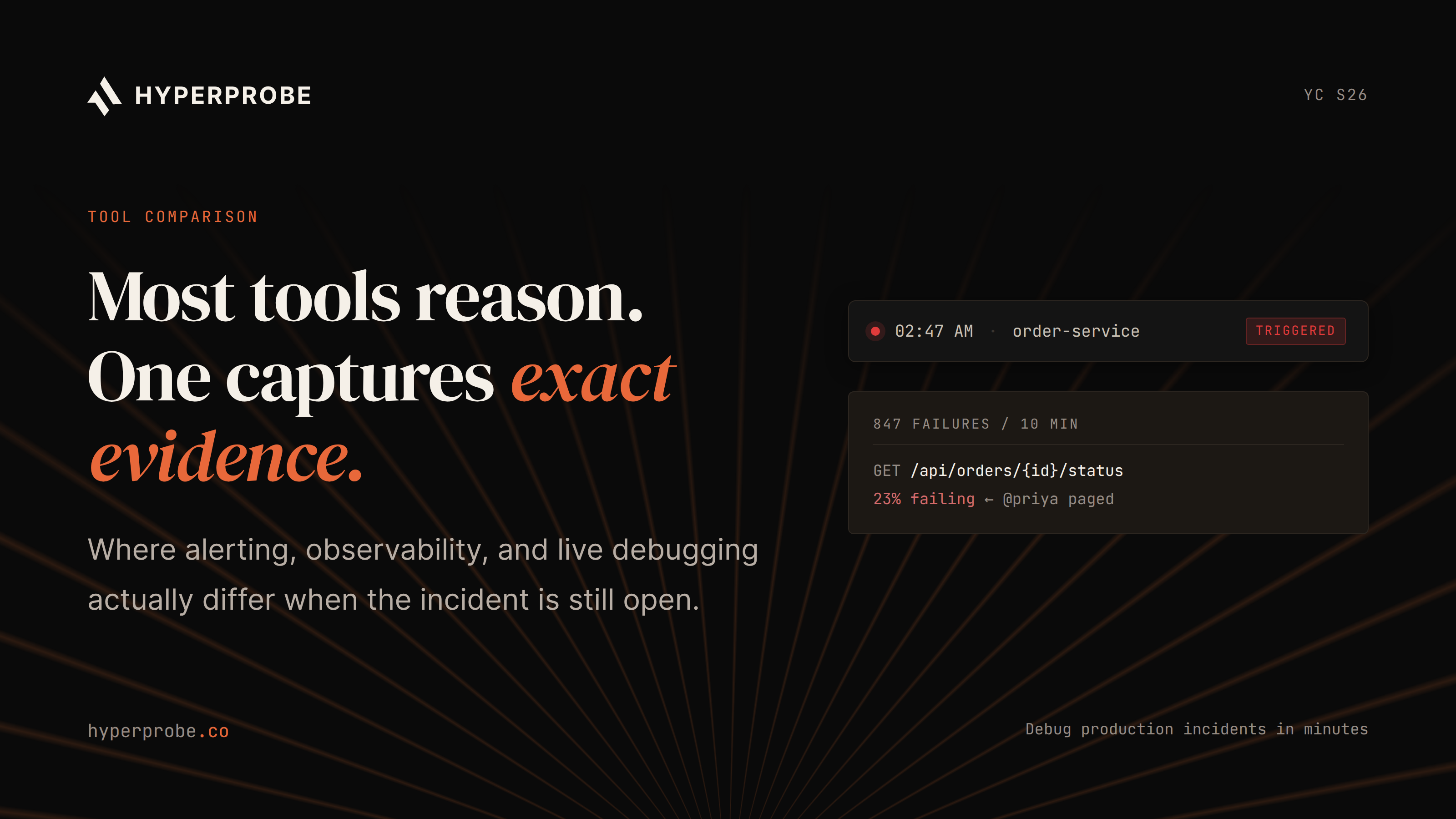
Best AI SRE tools for 2026 (and how to actually evaluate them)

AI SRE tools are becoming a serious buying category because on-call teams need more than another alert summary. The best AI SRE tools help teams investigate incidents, reduce alert noise, automate root cause analysis, coordinate response, and verify remediation using production evidence. They also help engineers debug production issues without spending half the incident recreating state by hand.
This guide compares the best AI SRE tools for 2026 by use case, not by a generic ranking. A platform team fighting alert noise has different needs from an engineering team that knows an error happened but cannot see the variable state that caused it. That difference matters.
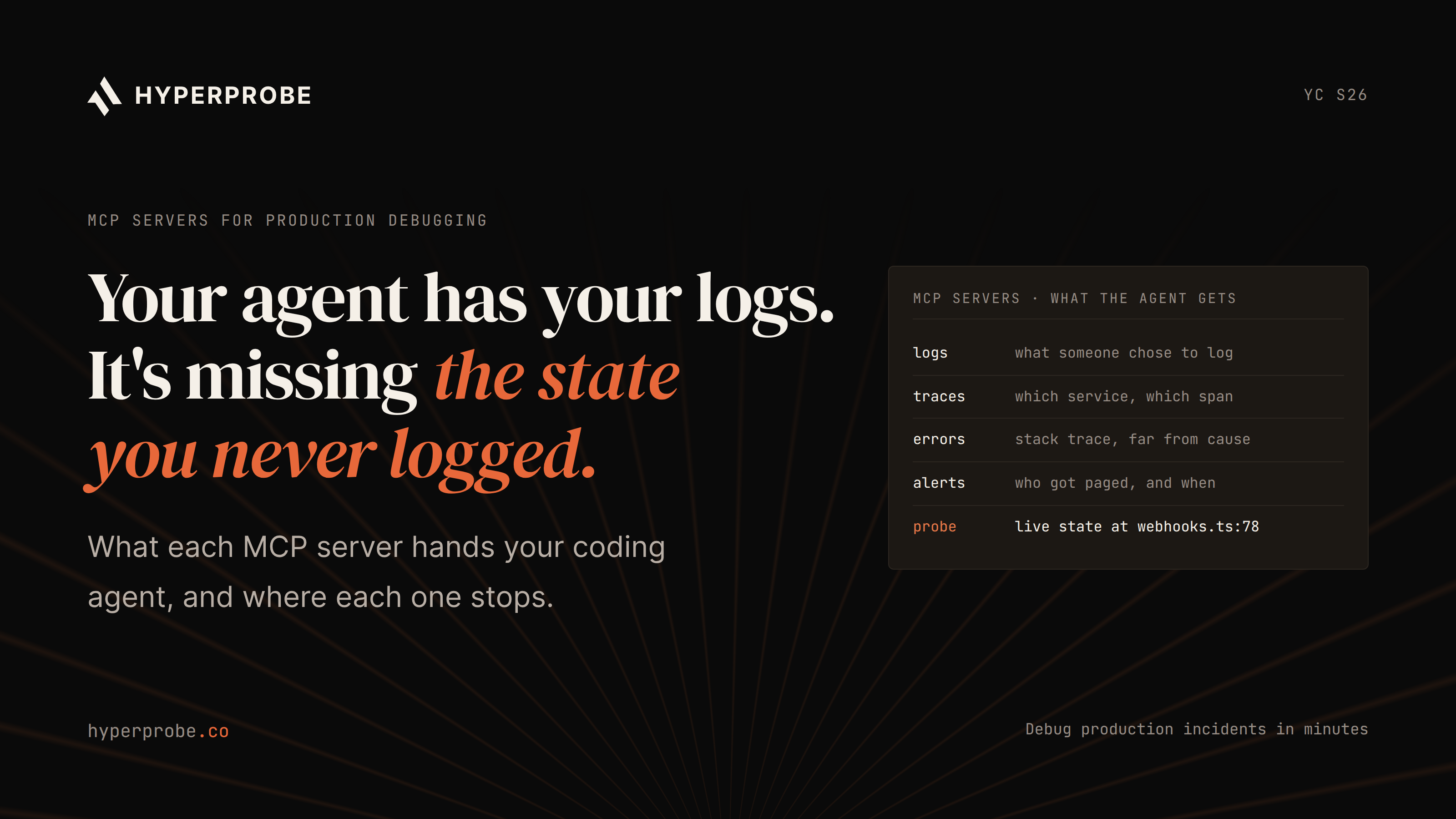
HyperProbe belongs in this AI SRE conversation because it is built for the missing-evidence part of incident response. It acts as an AI on-call agent and production debugging tool that can place read-only probes in running code, capture live state, and help confirm root cause without redeploys. The rest of this guide explains how to evaluate HyperProbe and other AI SRE platforms against your own incident workflow.
What is AI SRE
AI SRE is software that helps site reliability and engineering teams investigate, explain, and resolve production incidents. A useful AI SRE tool can ingest context from alerts, logs, traces, runbooks, code, recent deploys, service ownership, and incident history, then turn that context into a testable explanation of what failed and why.
AIOps usually focuses on signal processing. It groups alerts, suppresses noise, detects anomalies, and routes events. Observability and APM platforms show what happened across a system through telemetry collected in advance. AI SRE sits closer to the investigation layer. It should reason through the incident, test likely causes, propose remediation, and in stronger implementations verify whether the system has recovered.
That distinction matters during real incidents. A dashboard can show a latency spike, and an alerting tool can page the right service owner. An AI SRE tool should help answer the next question: what should the engineer inspect, change, or prove next?
HyperProbe’s own AI SRE explainer frames the category around evidence gathering, hypothesis testing, and root-cause explanation. Its AI SRE vs APM guide makes the same point from another angle: APM depends on existing telemetry, while AI SRE becomes more valuable when it can gather incident-specific evidence that was missing from logs and traces.
How we selected these tools
We selected these AI SRE tools using seven practical criteria. The first is investigation depth: does the tool explain a likely root cause, or does it only summarize the alert? The second is evidence quality: does it reason from the same stale telemetry everyone already checked, or can it collect new evidence from the running system? The third is workflow fit: does it live where your team already works, such as Slack, Datadog, PagerDuty, Kubernetes, or the codebase?
The next criteria are remediation guardrails, deployment flexibility, pricing clarity, and security posture. A strong evaluation rubric should ask four direct questions: what evidence does the tool use, what actions can it take, who approves those actions, and how does the team audit the result? Write access can be useful, but it needs approval gates, audit trails, rollback awareness, and clear ownership. Enterprise teams also need to know whether the tool can run in a private VPC, self-hosted environment, or regulated data boundary.
We also treated vendor pricing claims carefully. Public pages are useful for budgeting, yet several AI incident response tools still use sales-led pricing. For that reason, the pricing notes below focus on what is public and what a buyer should verify during evaluation.
Sources include product and pricing pages from HyperProbe, Datadog, PagerDuty, Cleric, Komodor, Rootly, and New Relic, along with current third-party comparisons where public vendor information is limited.
Best AI SRE tools at a glance
The best AI SRE tools for 2026 are HyperProbe for evidence-backed production debugging, Datadog Bits AI for Datadog-native investigation, PagerDuty SRE Agent for response automation, Resolve AI for cross-stack production engineering, Cleric for investigation and change verification, incident.io and Rootly for incident workflows, Komodor for Kubernetes, and Dynatrace or New Relic for observability-native AI.
| Tool | Strongest use case | Category | Pricing model |
|---|---|---|---|
| HyperProbe | Evidence-backed production debugging | AI SRE and runtime RCA | Per service, with unlimited probes and captures |
| Datadog Bits AI | AI investigation inside Datadog | Observability-native AI SRE | AI credits and Datadog usage |
| PagerDuty SRE Agent | Incident response and approved automation | On-call and response AI | Trial available, sales-led pricing |
| Resolve AI | Vendor-neutral production engineering | Cross-stack AI SRE | Enterprise pricing |
| Cleric | Investigation and change verification | Read-oriented AI SRE teammate | Credit based |
| incident.io | Incident collaboration with AI assistance | Incident management AI | Public plans plus enterprise |
| Rootly | Incident lifecycle automation | Incident response AI | Published core tiers plus sales-led AI SRE details |
| Komodor Klaudia | Kubernetes troubleshooting | Kubernetes AI SRE | Custom node-based pricing |
| Dynatrace Davis AI | Causal analysis in Dynatrace | Observability AI | Platform consumption or quote-based pricing |
| New Relic AI | AI insights inside New Relic | Observability AI | Data ingest and user pricing |
1. HyperProbe
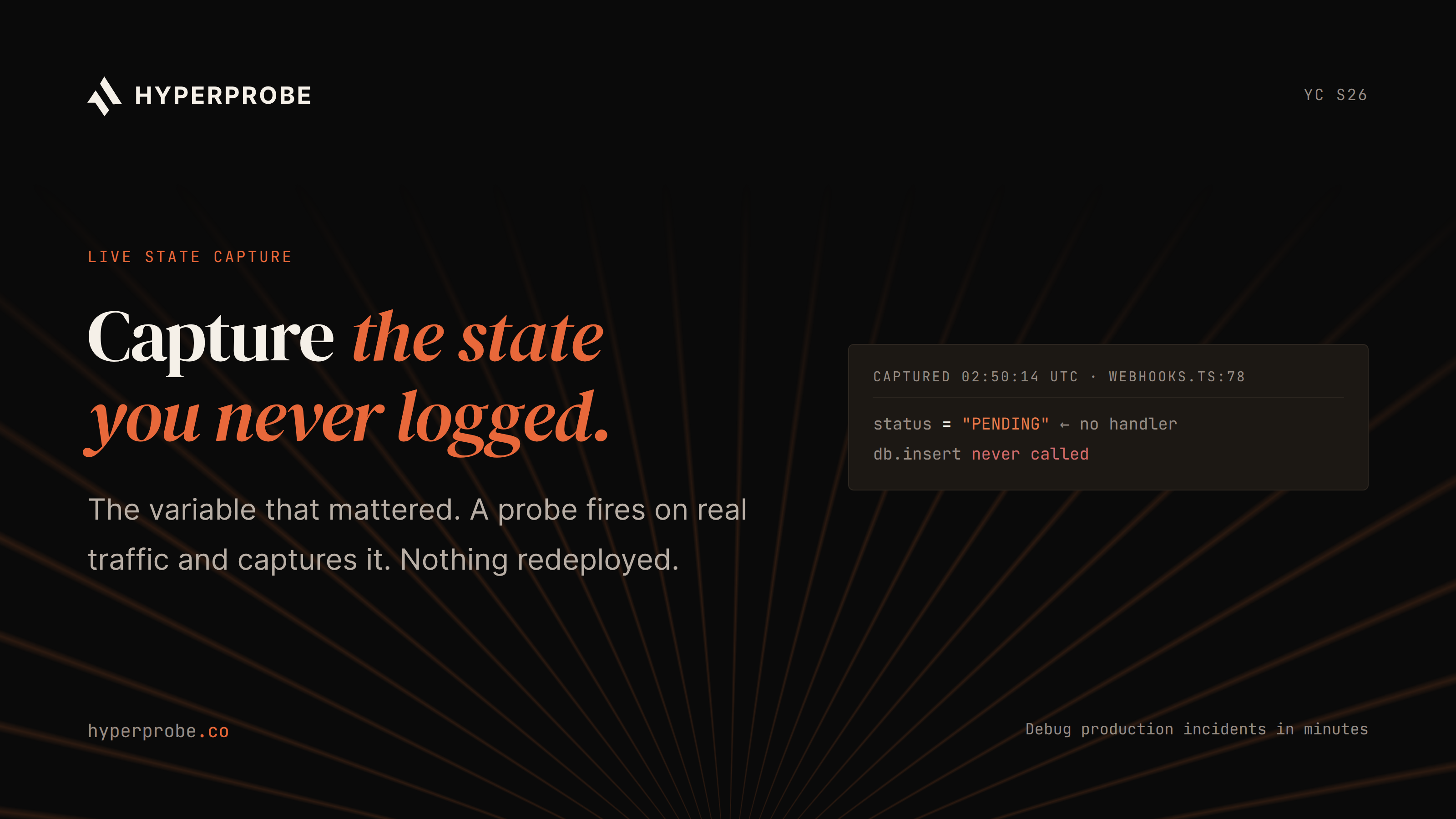
HyperProbe is an AI SRE tool for teams that need to debug faster and smarter when logs, traces, and dashboards stop short of the answer. It is built around a direct production-debugging workflow: inspect the incident context, identify the suspicious file and line, place a read-only probe, capture live runtime state, and return evidence that helps confirm root cause.
That makes HyperProbe different from AI incident response tools that only reason over telemetry already collected before the incident. HyperProbe can gather fresh evidence from the running service without pausing production, changing source code, or redeploying.
Its 24/7 AI on-call agent and AI-native production debugger capture the variables, object state, stack context, and request-specific data engineers often wish they had logged before an outage started.
What it does
HyperProbe uses an SDK-based architecture to place read-only probes in live production code. Its documentation explains that probes are managed through a broker and instrument target lines in memory, capturing locals, counters, metrics, logs, and timing data without restarting the service.
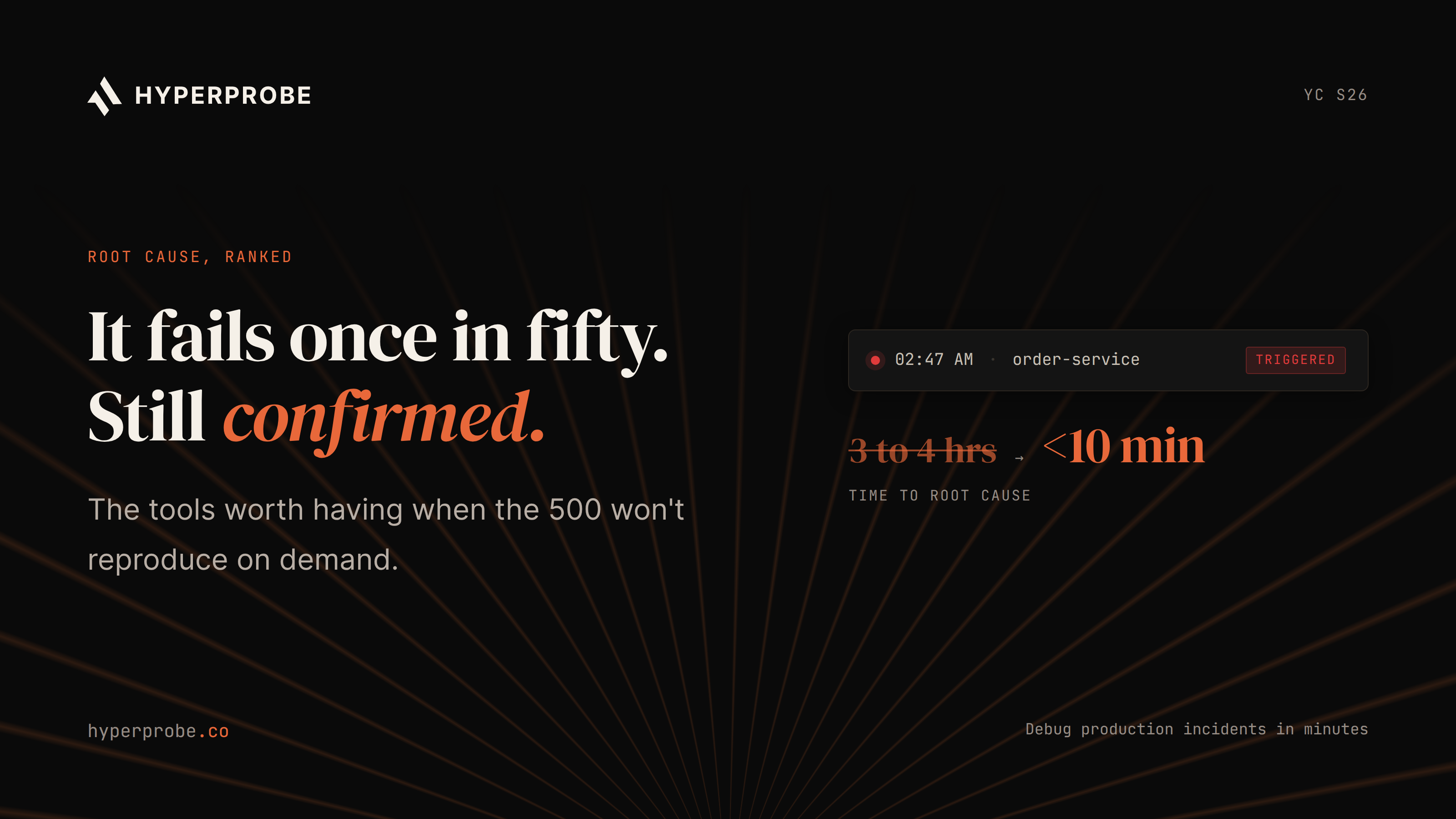
The AI workflow can investigate incidents in natural language, examine code and traces, place targeted probes, update hypotheses, and return a confirmed, probable, or inconclusive RCA with remediation recommendations based on captured evidence.
Read our docs to understand guardrails for overhead, payload size, throttling, and automatic probe removal.
Pros
- Captures live code state that may be missing from logs, traces, and dashboards.
- Provides line-level evidence without a redeploy, service restart, or source-code change.
- Uses service-based pricing with unlimited probes and captures on every plan.
- Supports read-only probes, PII redaction, immutable audit logs, approval controls, and private VPC or self-hosted deployment options.
Cons
- Requires SDK installation and instrumentation in the services a team wants to debug.
- Focuses on evidence-backed diagnosis and root cause analysis rather than paging, status pages, stakeholder updates, or postmortem management.
- Teams may need to pair it with an incident-management platform for the broader response workflow.
Pricing
- Free: one service, unlimited probes, and seven-day capture history.
- Professional: $99 per service per month, or $79 per service per month when billed annually, with a three-service minimum.
- Enterprise: custom pricing, with options including private VPC or self-hosted deployment, custom capture history, advanced redaction, approval gates, SAML/SCIM, DPA support, security review support, and named engineering support.
- See the HyperProbe pricing page for current plan details.
Best for
HyperProbe is best for engineering, SRE, and platform teams that already have observability coverage but still lose time guessing, reproducing, or adding emergency logs. It is a strong fit when the incident question is code-level: what value did this service actually see at the moment it failed?
2. Datadog Bits AI
Datadog Bits AI is a natural AI SRE option for organizations already running Datadog as their observability center of gravity. Datadog describes Bits AI products for chat, investigations, code assistance, and agent building, with Bits Investigation focused on alert investigation, telemetry correlation, root-cause analysis, impact summaries, and remediation suggestions inside the Datadog workflow.
Pros
- Works inside Datadog, where teams may already keep metrics, logs, traces, RUM, dashboards, monitors, incidents, and service ownership data.
- Covers several workflows through Bits Chat, Bits Investigation, Bits Code, and Bits Agent Builder.
- Reduces the need to connect a separate investigation layer for Datadog-first teams.
Cons
- Depends heavily on evidence that Datadog has already collected.
- May be less useful when the root cause involves an unlogged branch, a sampled trace gap, or a runtime variable that was never captured.
- AI-credit usage can increase during alert storms or periods of heavy investigation activity.
Pricing
- Uses AI credits as the billing unit; credits reset monthly.
- Usage beyond purchased credits can trigger on-demand billing.
- Total cost depends on the volume of investigations, chat sessions, and other AI workflows.
Best for
Datadog Bits AI is best for Datadog-heavy teams that want AI investigation, incident summaries, and remediation support without moving out of the Datadog environment.
3. PagerDuty SRE Agent
PagerDuty SRE Agent is positioned as an AI-powered virtual SRE for teams that already manage incidents through PagerDuty. The product page describes an agent that analyzes incident history, logs, runbooks, service context, and past failures, then recommends or executes approved automations and confirms restoration.
Pros
- Fits PagerDuty’s existing escalation, on-call, runbook, orchestration, and incident-response workflows.
- Supports human-in-the-loop automation, with recommendations or execution of approved actions.
- Connects to a broad ecosystem that can include observability, cloud, CI/CD, ticketing, chat, and service-ownership systems.
Cons
- Is primarily an incident-response and orchestration layer, rather than a code-line evidence-capture tool.
- The depth of root cause analysis depends on the telemetry and application context available through connected systems.
- Teams should verify whether it can answer application-state questions that were never captured elsewhere.
Pricing
- The SRE Agent page offers a product tour and trial, but does not publish exact SRE Agent pricing.
- Buyers should request a quote and model the cost alongside their PagerDuty plan, user count, automation requirements, and incident volume.
Best for
PagerDuty SRE Agent is best for teams with mature on-call operations that want AI to recommend, orchestrate, and validate approved incident automations inside a response workflow they already trust.
4. Resolve AI
Resolve AI is evaluated as an AI production engineer for heterogeneous production stacks. Rather than being tied to one observability platform, it focuses on connecting to multiple systems and using agentic workflows to investigate production issues, propose fixes, and support remediation.
Pros
- Designed for organizations with mixed telemetry and infrastructure tooling.
- Takes a vendor-neutral approach, with integrations described across Datadog, Grafana, Splunk, Prometheus, and cloud or infrastructure systems.
- Can help when incident context is spread across several tools rather than held in one observability platform.
Cons
- Cross-stack deployments require integration mapping, runbook alignment, permissions decisions, and rollout planning.
- Teams need clear controls for evidence access, approval requirements, remediation actions, and auditability.
- The amount of value depends on how well the connected systems and operational workflows are configured.
Pricing
- Resolve AI does not publish self-serve pricing.
Best for
Resolve AI is best for larger teams with heterogeneous production stacks that want vendor-neutral AI incident investigation and can invest in integration design.
5. Cleric
Cleric is an AI SRE teammate focused on investigating production issues and verifying changes. Its positioning is useful for teams that want an assistant that can read across production context, form hypotheses, and help explain incidents without immediately giving an AI broad write access.
Pros
- Uses a public credit-based model tied to operational work such as issue investigations, change verifications, and chats.
- Makes it easier to estimate cost per task than models based only on broad platform usage.
- Fits teams that want AI support during deploys, regressions, and incident triage.
Cons
- Is focused on investigation and verification rather than capturing new line-level runtime state inside application code.
- Answer quality depends on the connected systems, permissions, and evidence available during an incident.
- Teams with deep code-level evidence gaps may need a separate production-debugging tool.
Pricing
- One credit equals $1 under the published model.
- Starter: $100 per month for 100 credits.
- Team: $600 per month for 600 credits.
- Issue investigations and change verifications cost 10 credits each; chats cost 1 credit per minute.
- Higher plans use annual credit pools or negotiated enterprise pricing.
Best for
Cleric is best for teams that want readable AI investigations, change verification, and a pricing model tied to completed operational work.
6. incident.io
incident.io is an incident management platform with AI capabilities around incident collaboration, investigation support, postmortems, and operational workflow. It is a strong fit for teams that live in Slack or Teams during incidents and care about clear roles, timelines, communication, and follow-up actions.
Pros
- Adds structure through incident channels, status updates, roles, timelines, ownership, and postmortems.
- Fits teams that coordinate incidents in Slack or Microsoft Teams.
- Connects AI assistance to operational workflows instead of treating RCA as a standalone activity.
Cons
- Root cause analysis depends on the telemetry, code, deployment, and collaboration data available through connected systems.
- Teams with difficult code-level evidence gaps may still need a dedicated production-debugging layer.
- Buyers should confirm which AI capabilities are included in their selected plan.
Pricing
- Basic: free.
- Team: $19 per user per month when billed monthly, or $15 per user per month when billed annually.
- Pro: $25 per user per month.
- Enterprise: custom pricing.
- On-call only: $20 per user per month.
Best for
incident.io is best for teams that need stronger incident coordination, communication, timelines, and postmortems while adding AI assistance to the response process.
7. Rootly
Rootly is another incident response platform with AI-assisted incident operations. It focuses on coordinating the incident lifecycle, connecting tools such as Slack, Teams, Jira, Datadog, and GitHub, and helping teams move from alert to resolution to postmortem with less manual work.
Pros
- Standardizes incident roles, timelines, status updates, automation, and post-incident reviews.
- Connects tools such as Slack, Microsoft Teams, Jira, Datadog, and GitHub across the response workflow.
- Helps reduce coordination overhead during high-pressure incidents.
Cons
- Is primarily an incident-lifecycle platform rather than a deep production-debugging tool.
- Teams that need fresh runtime evidence or line-level code inspection should evaluate its integrations with dedicated observability and RCA tools.
- The fit depends on whether process automation or application-level diagnosis is the larger reliability gap.
Pricing
- Core Incident Response and On-Call plans start at $20 per user per month, according to the Rootly pricing page.
- Enterprise options and bundle discounts are available.
- AI SRE packaging may require confirmation from sales, depending on the feature set and plan.
Best for
Rootly is best for teams standardizing incident response operations, especially when collaboration, automation, and postmortem discipline are the main reliability gaps.
8. Komodor Klaudia
Komodor Klaudia is a Kubernetes-focused AI SRE option. It fits teams whose incidents often involve clusters, workloads, pods, node behavior, failed rollouts, resource pressure, and configuration drift. For platform teams running large Kubernetes environments, that specialization is a meaningful advantage.
Pros
- Adds Kubernetes context to troubleshooting, including workload changes, health signals, playbooks, and cluster metadata.
- The platform page describes Klaudia AI Agents, troubleshooting, automated remediation, monitoring, cost features, RBAC, SSO, audit logs, and enterprise controls.
- Fits platform teams managing incidents across clusters, workloads, pods, and rollouts.
Cons
- Is less relevant when the hardest incidents occur outside Kubernetes.
- Cluster context does not replace application-level debugging when local runtime state is the missing evidence.
- Teams should evaluate its coverage across their specific Kubernetes distributions, workloads, and operating model.
Pricing
- Uses custom pricing tied to the average number of nodes per cluster per year.
- Plan and support scope also affect the quote.
- Prepare node counts, user expectations, support requirements, and enterprise-control requirements before contacting the vendor.
Best for
Komodor Klaudia is best for Kubernetes-heavy platform teams that need AI-assisted troubleshooting and operational visibility across clusters.
9. Dynatrace Davis AI
Dynatrace Davis AI is the observability-native AI option for teams already invested in Dynatrace. It is designed around causal analysis, topology context, anomaly detection, and problem correlation inside the Dynatrace platform.
Pros
- Connects services, infrastructure, Kubernetes, logs, traces, real-user signals, and topology when those sources are managed in Dynatrace.
- Uses that system context to connect symptoms to possible upstream causes across complex environments.
- Fits organizations already invested in Dynatrace as their observability platform.
Cons
- Davis AI depends on the telemetry and topology available in Dynatrace.
- It may not confirm a code-level cause when the decisive runtime value was never emitted or captured.
- Teams with persistent application-state gaps may still need a dedicated production-debugging tool.
Pricing
- Uses the Dynatrace Platform Subscription model against a rate card.
- Buyers should model hosts, pods, containers, log volume, trace volume, retention, and the platform capabilities they plan to use.
Best for
Dynatrace Davis AI is best for enterprise teams that already use Dynatrace as their observability platform and want AI-assisted causal analysis within that environment.
10. New Relic AI
New Relic AI is the observability-native AI option for teams that use New Relic for telemetry, dashboards, application monitoring, and production analysis. It gives teams AI support inside the same platform where they already investigate performance and reliability issues.
Pros
- Connects AI assistance to metrics, events, logs, traces, dashboards, and application context in New Relic.
- Lets existing New Relic customers add AI-assisted investigation without introducing a separate SRE platform.
- Offers a familiar option for teams that prioritize broad telemetry access and ease of adoption.
Cons
- Works from the telemetry available in New Relic.
- May narrow the search space without confirming the code-level cause when a key variable, branch condition, or object state was never captured.
- Total cost can vary with data volume, users, retention, and compute requirements.
Pricing
- Based on data ingest, user access, and compute options.
- The published plan includes 100 GB of free ingest per month, with paid ingest beyond that.
- Model data volume, full-platform users, retention, and advanced compute needs before comparing plans.
Best for
New Relic AI is best for teams that want AI-assisted observability inside New Relic, especially when ease of adoption and flexible usage-based pricing matter more than deep runtime evidence capture.
How to choose an AI SRE tool
The right AI SRE platform depends on the bottleneck your team faces during incidents. Teams drowning in alert noise should prioritize AIOps, incident grouping, and on-call workflow quality.
Teams with slow coordination should look closely at PagerDuty, incident.io, or Rootly. Kubernetes-heavy teams should evaluate Komodor. Datadog, Dynatrace, and New Relic users should test the AI capabilities inside their existing observability stack before adding another platform.
Teams struggling with code-level uncertainty should evaluate HyperProbe first. That problem has a distinct shape: the dashboard shows symptoms, logs show partial context, traces show the path, yet nobody can prove the exact value or branch condition that caused the failure. HyperProbe is built for that gap. It captures fresh production evidence through read-only probes and gives engineers a clearer path from alert to confirmed RCA.
A serious evaluation should use recent incidents, not demo scenarios. Give each vendor the same incident timeline, telemetry, runbooks, and constraints. Measure how fast the tool reaches a plausible cause, how well it cites evidence, whether it can disprove wrong hypotheses, how safely it handles remediation, and how much human work remains.
Conclusion
The best AI SRE tools in 2026 do different jobs. Some reduce alert noise. Some coordinate response. Some reason over observability data. Some automate approved remediation. HyperProbe stands out when the missing piece is production evidence itself: the live variable, object state, or branch condition that explains why the service failed.
For many engineering teams, the strongest AI SRE stack will combine observability, incident management, and production debugging rather than force one tool to do everything.
HyperProbe fits that stack by helping engineers capture the evidence their existing tools missed. To see how that works in practice, book a HyperProbe walkthrough for your own incident workflow.
Frequently asked questions
What are AI SRE tools?
AI SRE tools help engineering and site reliability teams investigate production incidents, reduce alert noise, automate root cause analysis, recommend or coordinate remediation, and verify recovery using production context.
What is the difference between AI SRE and AIOps?
AIOps focuses on signal processing, such as alert grouping, anomaly detection, and noise reduction. AI SRE goes further into incident investigation by reasoning through logs, traces, code context, runbooks, deploy history, and in stronger systems, fresh production evidence.
Is HyperProbe an AI SRE tool?
Yes. HyperProbe is an AI SRE tool and AI on-call agent focused on production debugging and evidence-backed root cause analysis. It places read-only probes in running code to capture live state without redeploys, then uses that evidence to help engineers confirm root cause faster.
Do AI SRE tools replace observability platforms?
No. AI SRE tools usually work with observability platforms rather than replacing them. Observability shows telemetry collected in advance, while AI SRE helps investigate a specific incident, test hypotheses, and in some cases collect new evidence or coordinate remediation.
Which AI SRE tool is best for production debugging?
HyperProbe is a strong fit for production debugging because it can capture live variable state, stack context, and request-specific evidence from running services. That makes it useful when existing logs and traces show symptoms but do not prove the exact code-level cause.
How should teams evaluate AI SRE pricing?
Teams should model pricing against the work the tool will perform, such as services instrumented, AI investigations, users, incidents, nodes, data ingest, or automation runs. They should also check whether probes, captures, seats, retention, private deployment, and security controls are included or billed separately.
Written by
Founder
Shailendra Singh is the founder and CEO of HyperProbe (YC S26), an AI on-call agent that debugs production incidents by capturing evidence directly from running services. He has over a decade of experience building and running production systems, starting at Applied Materials before moving into startup operating and engineering leadership roles, including at a company that later became a unicorn. He founded and ran Transporter.city from 2017 to 2021, then spent three years building HyperTest before founding HyperProbe with Karan Raina. He writes about production debugging and incident response.
RELATED READS